YOUR CLASSROOM / CYBERPUNK
Your next world
starts here.
A clear path from your first reference to your final frame.
Student workspaceHow to Create a Cyberpunk Environment in Blender
YOUR PRE-ORDER EXTRAS / 03 ASSETS
A head start for your next render.
Two Blender projects and 24 human silhouettes. Download the README below for all three Google Drive links.
| Asset | What’s included | Access |
|---|---|---|
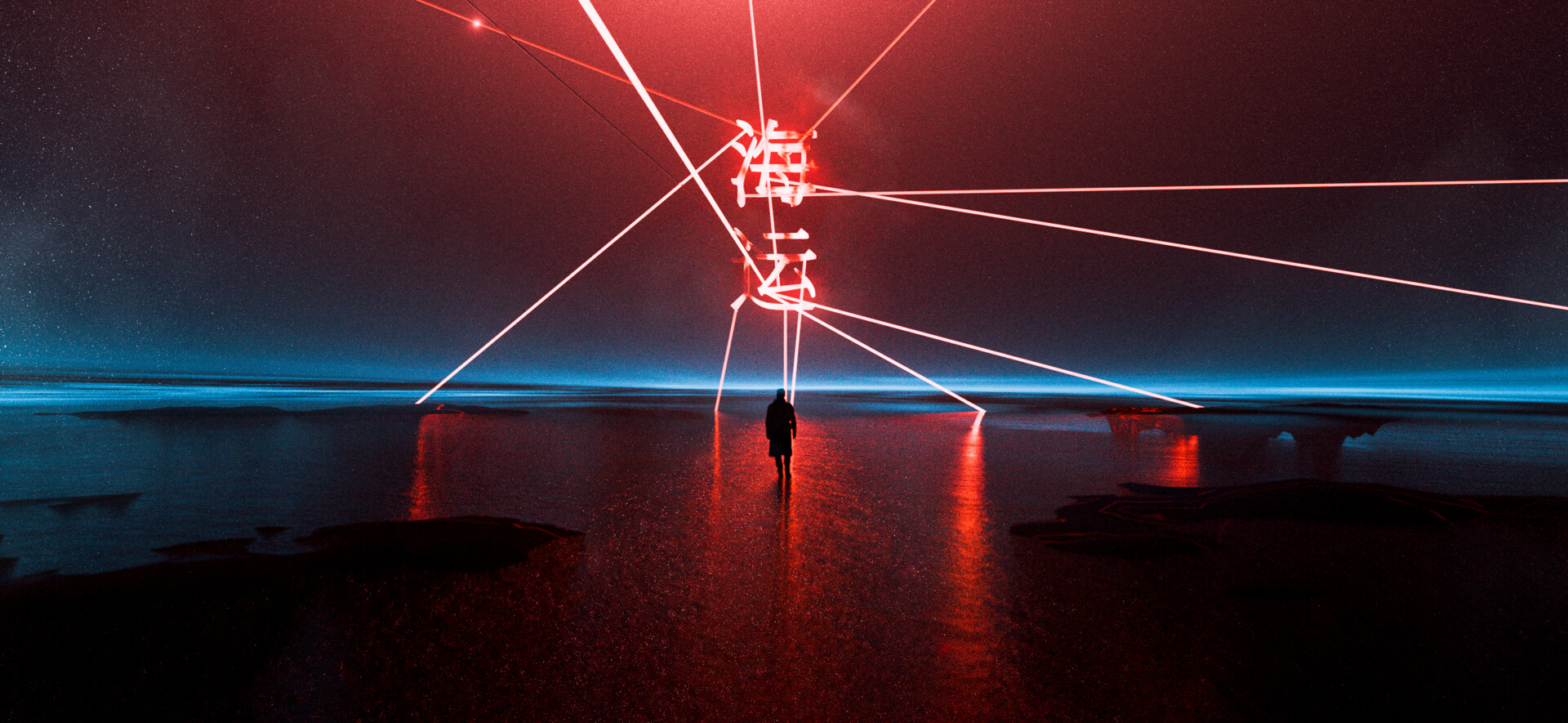 OceanBONUS 01 | Blender project | In your README |
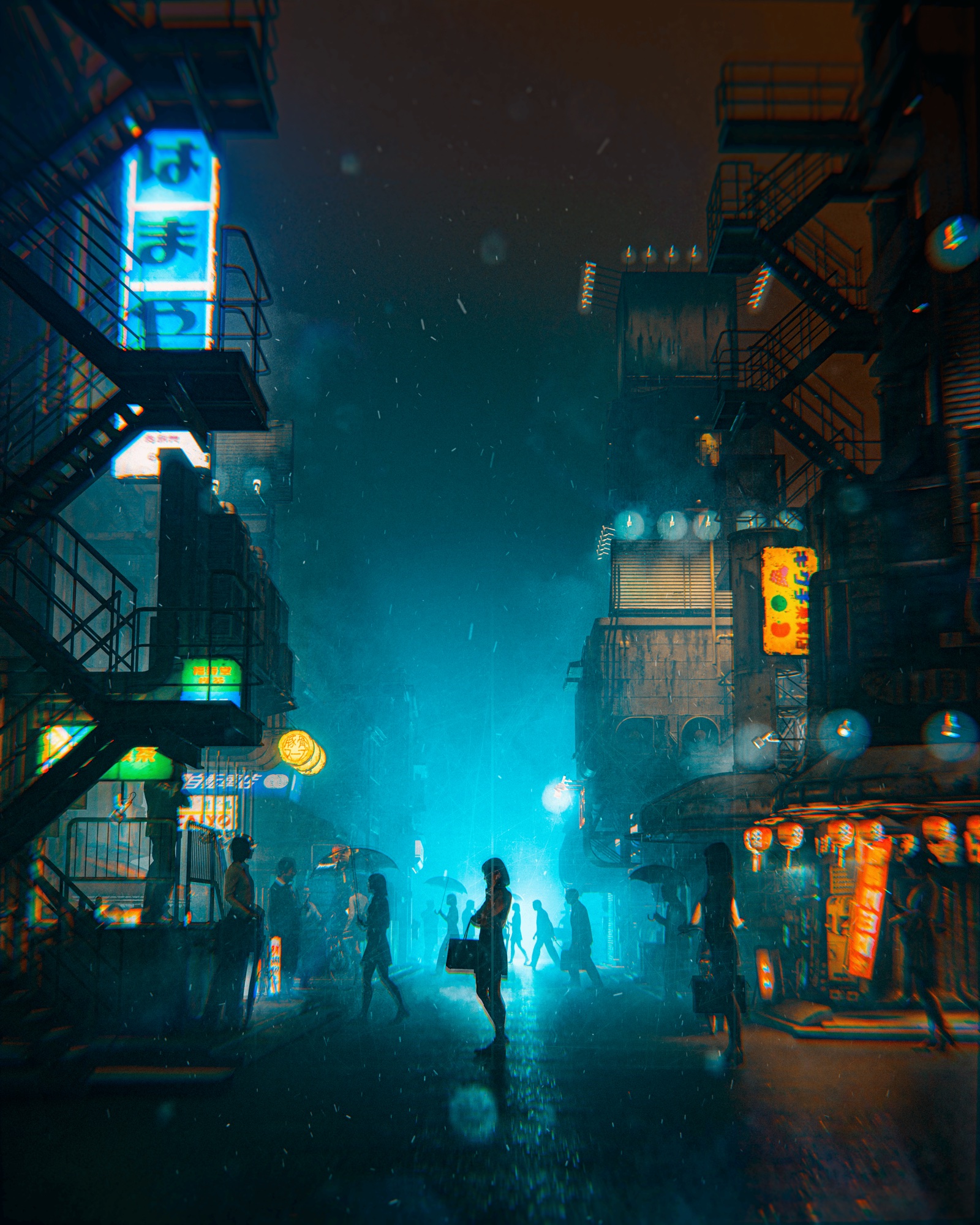 Cyber CrimeBONUS 02 | Blender project | In your README |
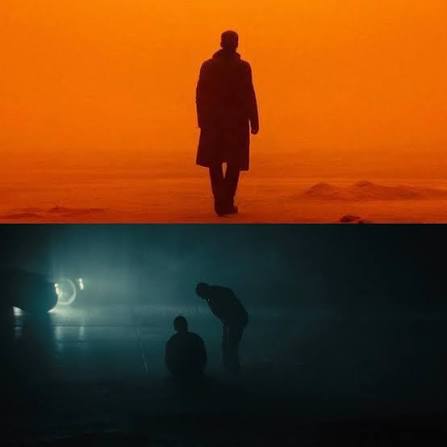 Humans PackBONUS 03 | 24 silhouettes for your renders | In your README |
One small text file. Three bonus downloads.
Open a link in the README, then choose Download on Google Drive.
STAGE 01 / 10DISCOVER
Introduction
Course stage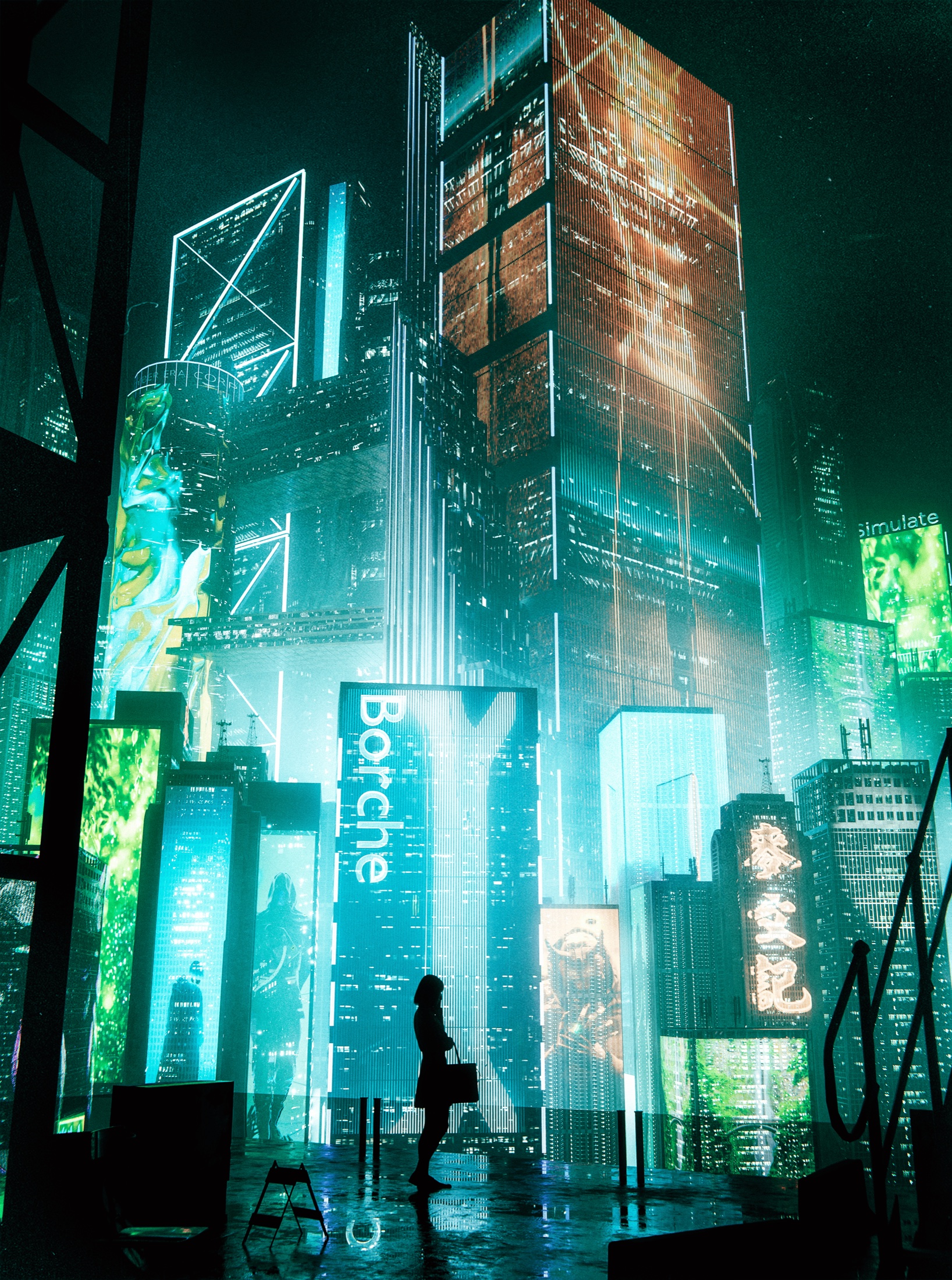 CYBERPUNK / CLASSROOM
Your lesson workspace
Choose a stage to explore its overview and practice task.
Meet Igor, explore the Cyberpunk project, and set up a clear workflow in Blender. Understand the creative goal and how each stage builds toward your final render.
What you’ll work on
- Understand the project and course workflow
- Organize your Blender workspace
- Set a personal goal for your environment
MAKE IT YOUR OWN
Create a project folder and write one sentence describing the world you want to build.