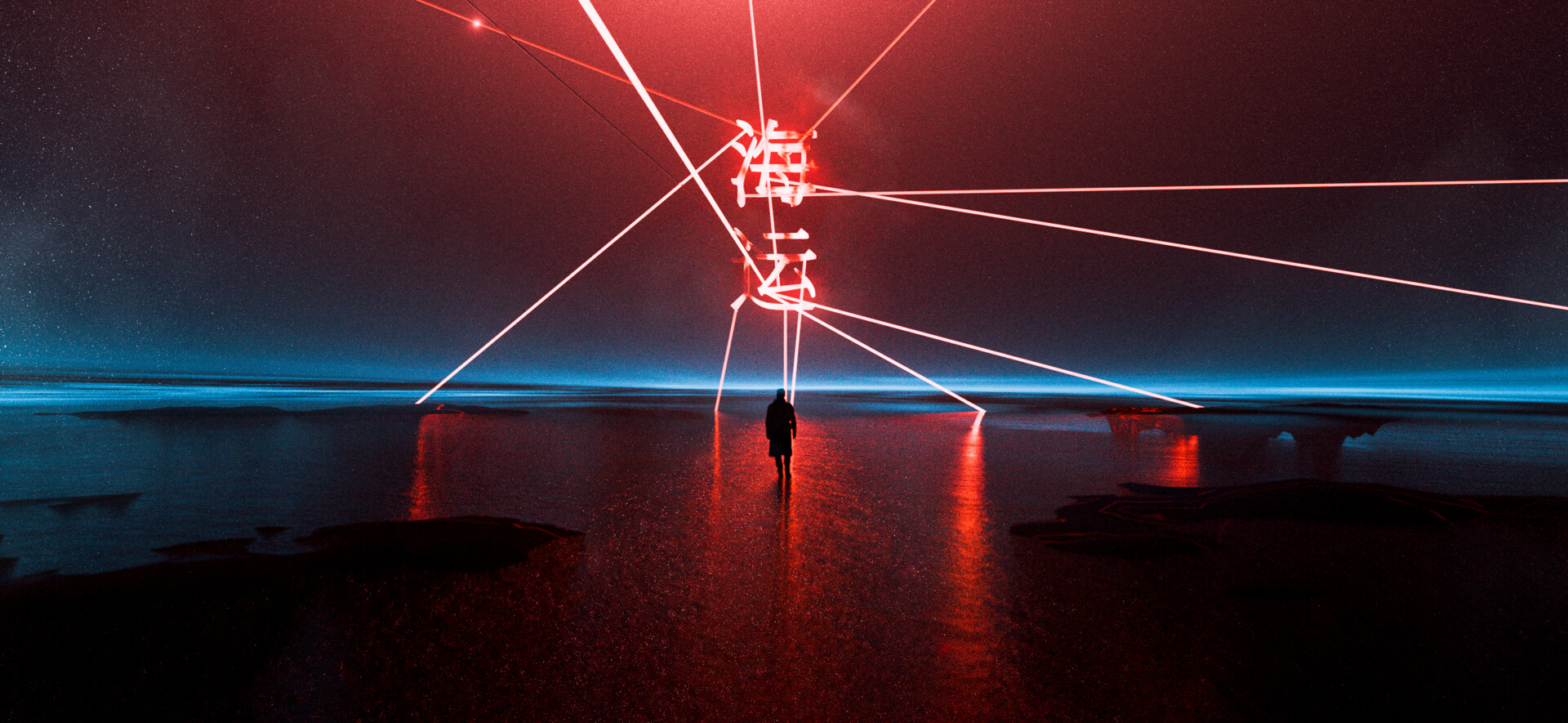
BONUS 01 / .BLEND
Ocean.
A world of light.
Explore the Blender project behind this ocean render: its composition, atmosphere, lighting, and reflections.
BLENDER / ENVIRONMENT / ANIMATION
How to Create a Cyberpunk Environment in Blender
Pre-order my online Blender video course.
Create digital worlds with downloadable project bonuses.
$175 after launch. Classroom access after payment. Videos arrive later.
01 / COURSE OVERVIEW
This is an online digital video course. You’ll create your own cyberpunk environment and produce your own animations in Blender; no physical goods are shipped.
You’ll find detailed explanations of both the fundamentals and the advanced tools professional 3D artists use. We’ll explore lighting in Cycles, scene optimization, and model texturing.
I’ve spent more than five years learning how to find the compositional angles that leave an impression. This course brings together my techniques for materials, lighting, and animation so you can apply them to your own work.
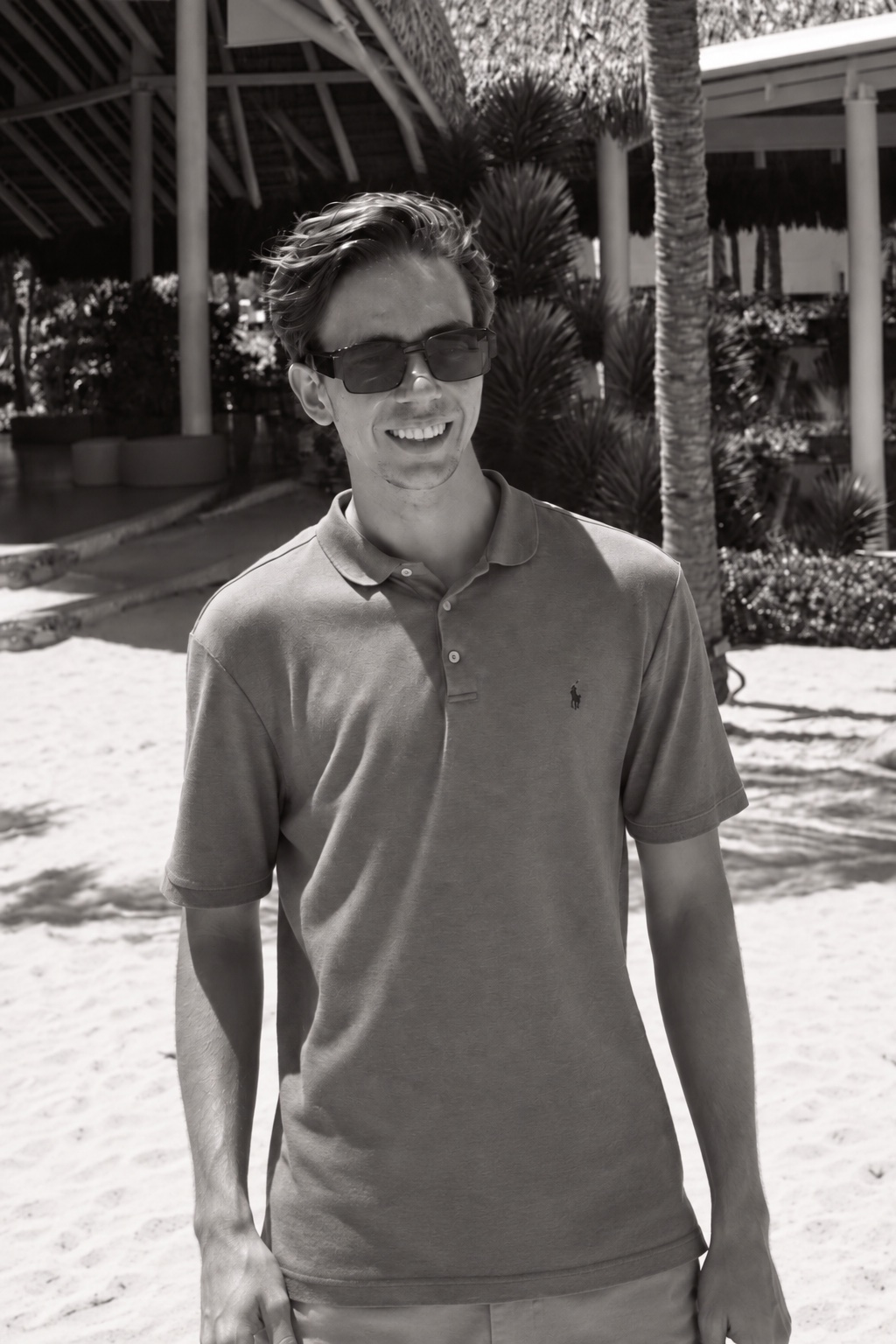
MEET THE ARTIST BEHIND THE COURSE
I’m a 3D artist working with Blender and Unreal Engine. I create cinematic environments, immersive experiences, and the images you see here.
In this course, I’ll take you through my creative process — from the first references to lighting, materials, and the final render. You’ll learn from the decisions behind the work, one stage at a time.
Explore my work on Behance ↗02 / THE PROJECT
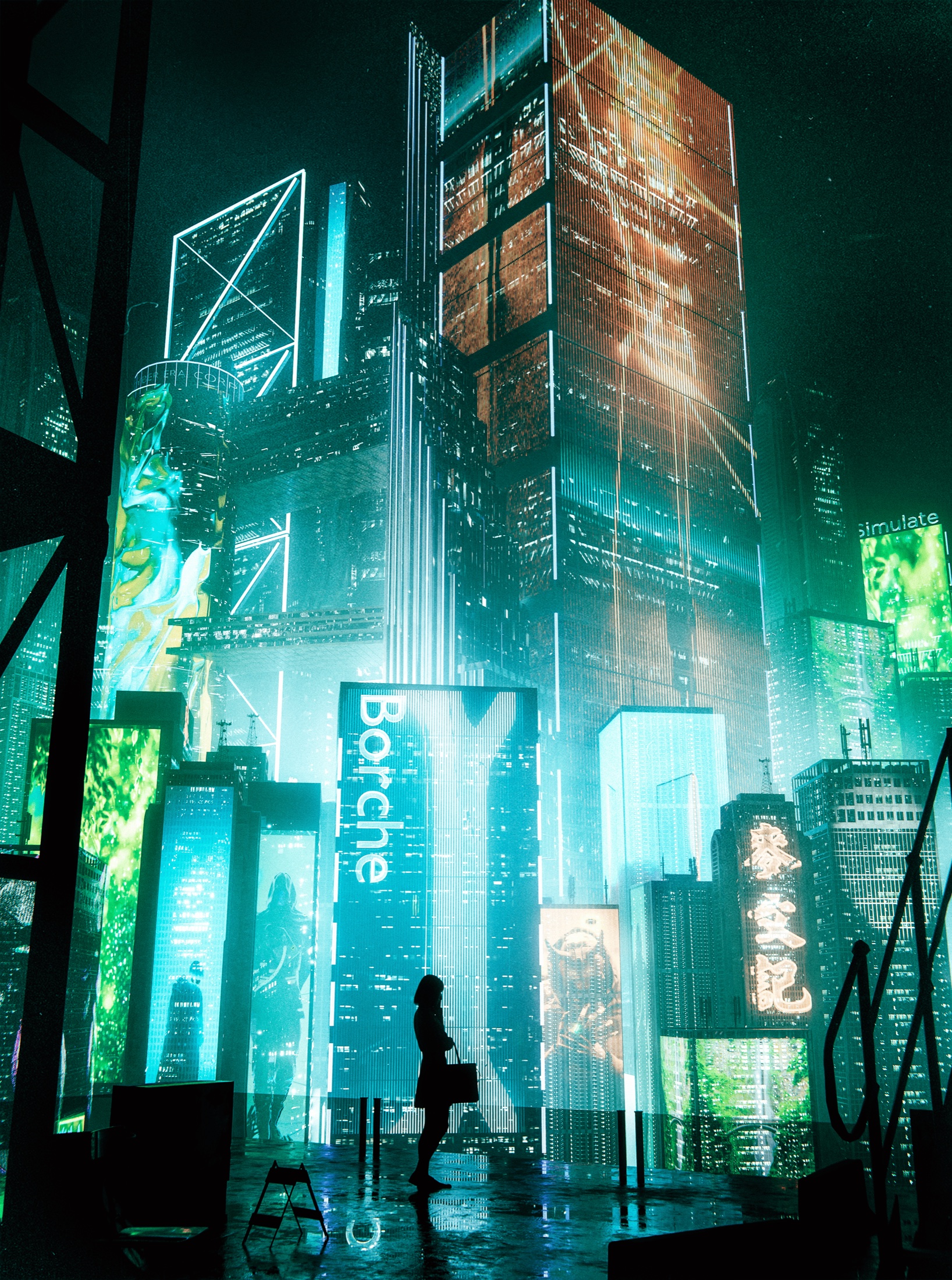
One scene. Every detail matters.
Explore the full render and selected close-ups.
03 / COURSE OUTLINE
Ten planned stages. Videos are in production.
They’ll appear in your classroom as they’re published.
Cyberpunk project detailSECTION 01 / DISCOVER
Meet Igor, explore the Cyberpunk project, and set up a clear workflow in Blender. Understand the creative goal and how each stage builds toward your final render.
Cyberpunk project detailSECTION 02 / DISCOVER
Build a reference board with purpose. Study architecture, composition, color, and atmosphere to develop a consistent visual direction for your own cyberpunk scene.
Cyberpunk project detailSECTION 03 / BUILD
Use simple cubes to establish scale, depth, and composition before adding detail. Test camera positions and shape a scene that already reads well as a silhouette.
Cyberpunk project detailSECTION 04 / BUILD
Learn how to look for useful models and textures, assess their quality, and check their licenses. Build a focused asset list that supports the scene you planned.
Cyberpunk project detailSECTION 05 / BUILD
Bring your assets into Blender and prepare them for production. Fix scale, organize collections, reconnect textures, and keep the project easy to navigate.
Cyberpunk project detailSECTION 06 / BUILD
Replace the blockout with architecture, props, and storytelling details. Refine spacing, repetition, and visual layers, then explore a simple camera move through the location.
Cyberpunk project detailSECTION 07 / REFINE
Shape a cinematic atmosphere in Cycles. Balance neon sources, practical lights, and shadows to guide attention while preserving depth and readable forms.
Cyberpunk project detailSECTION 08 / REFINE
Develop believable surfaces with roughness, texture scale, and subtle variation. Use wet materials and controlled reflections to connect the environment to its lighting.
Cyberpunk project detailSECTION 09 / FINISH
Prepare the final output in Cycles. Review scene optimization, sampling, denoising, and image sequences so your stills and animations keep their intended quality.
Cyberpunk project detailSECTION 10 / FINISH
Review your finished environment and bring the presentation together. Compare the result with your original references, polish the final frames, and plan your next Jaw Drop Render.
04 / PRE-ORDER EXTRAS
Pre-order now and get Ocean, Cyber Crime, and a pack of 24 human silhouettes at no extra cost. Download the README from the top of your classroom for all three Google Drive links. Course videos arrive later.
Explore the Blender project behind this ocean render: its composition, atmosphere, lighting, and reflections.
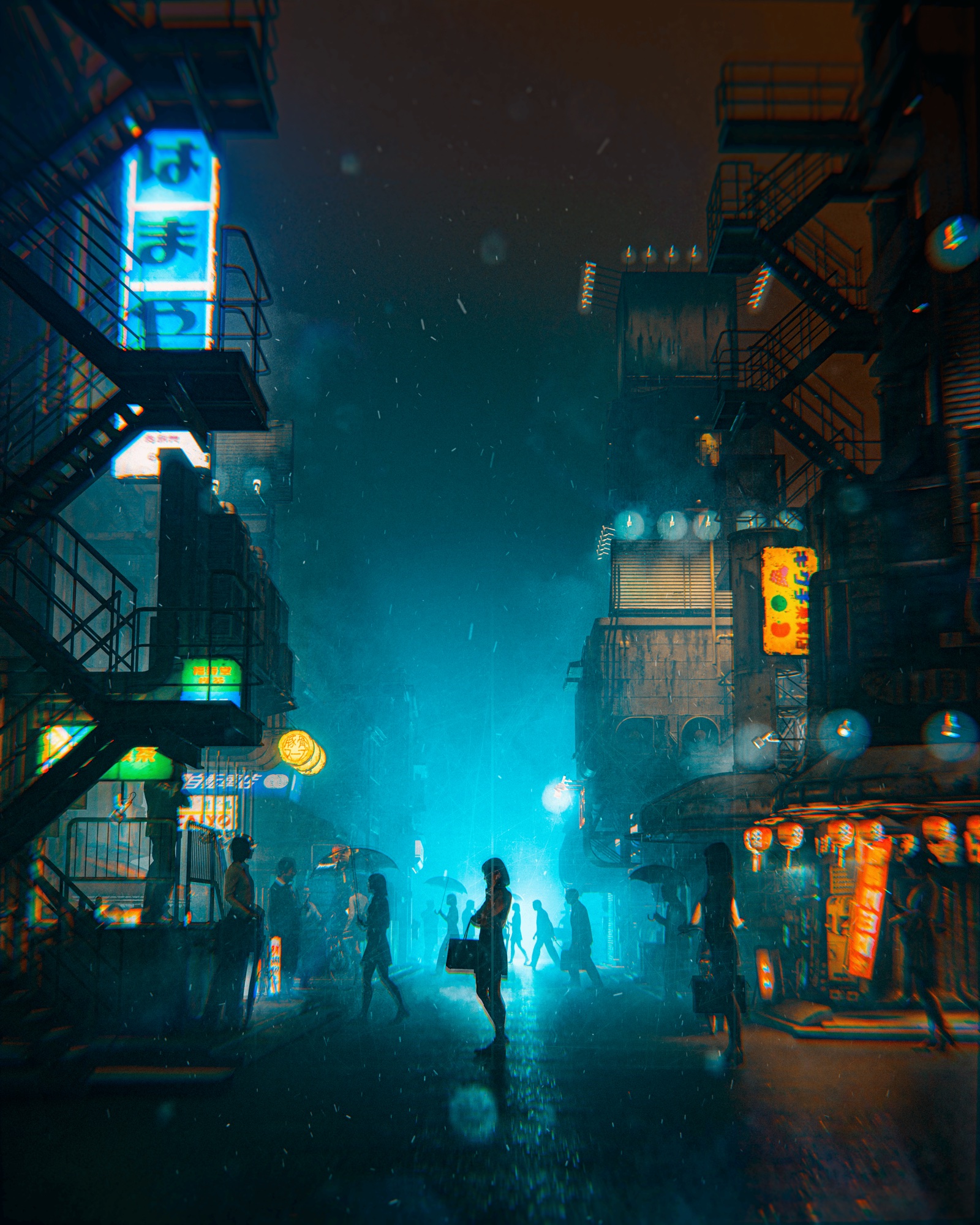
Open the Blender project behind this cinematic street scene and explore its neon lighting, atmosphere, and composition.
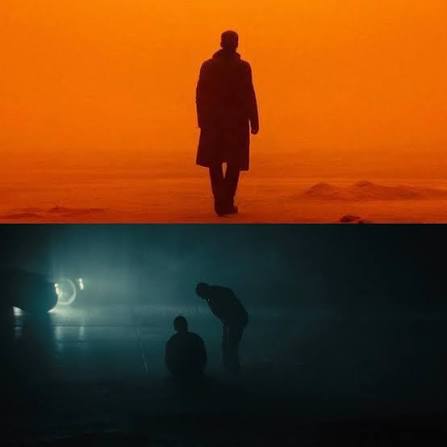
Add scale, presence, and a focal point to your Jaw Drop renders with a pack of 24 human silhouettes.
05 / IS THIS FOR YOU?
Start with the essential tools and learn how the pieces of a complete 3D environment fit together.
Refine your composition, materials, lighting, and animation with techniques drawn from professional production.
What you need: Blender and a computer capable of running it. The course covers the fundamentals as well as professional tools.
PRE-ORDER NOW / CREATE WITH ME
Reserve the course at the pre-order price. Get your classroom now, then access the videos as they’re published.
$149.99USD · PRE-ORDER
$175 after launch
Pre-order for $149.99Pre-order now and get 3 bonuses: Ocean, Cyber Crime, and Humans Pack. Bonus downloads are available after payment. Videos arrive later.